
Gym management software, with an app for your members and coaches
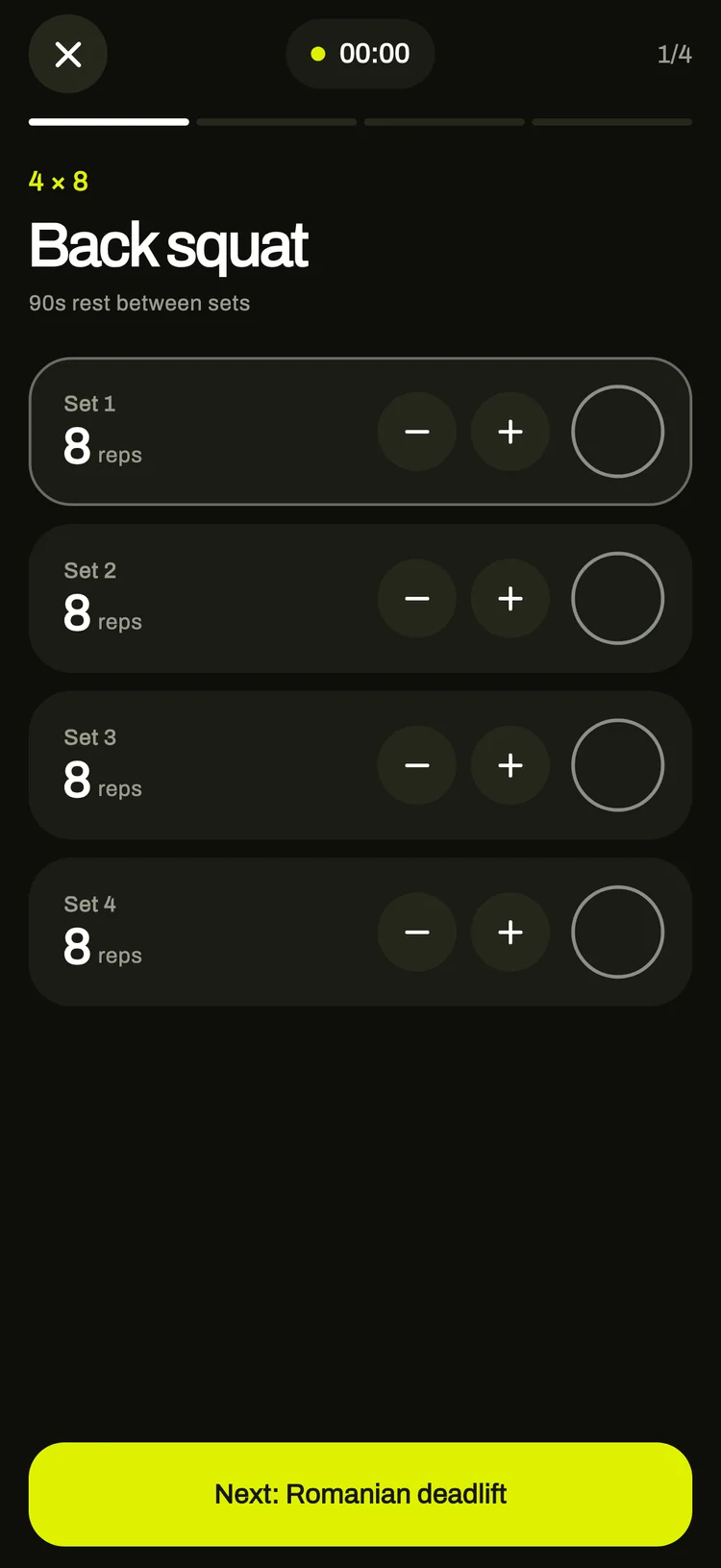
Record membership fees and see who is overdue. Check members in with a QR card. Schedule classes and coaches. Give every member a weekly training plan they follow in the app.
Free plan available. No card needed. The iPhone and Android app is included for your coaches and members.
Who uses what
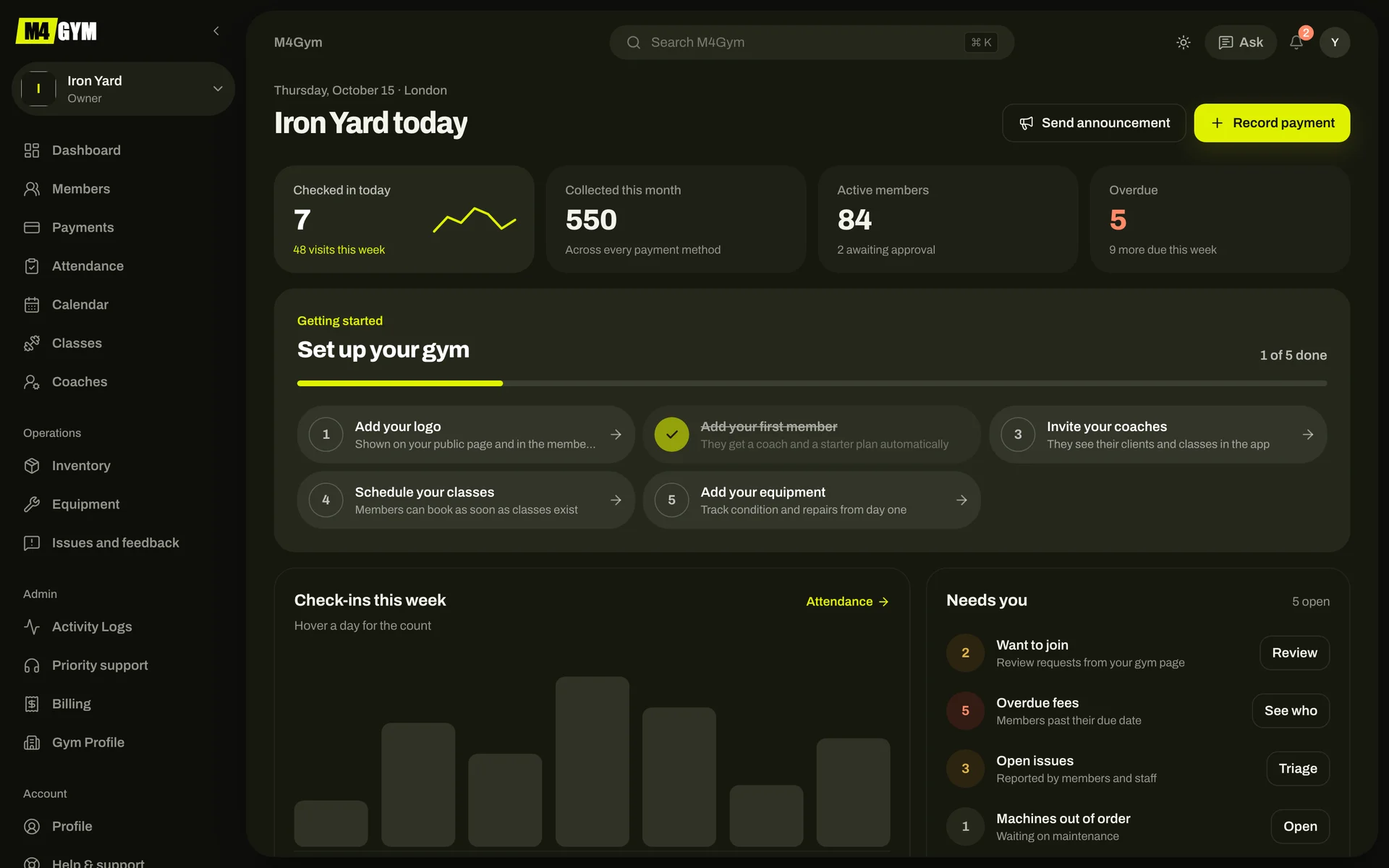
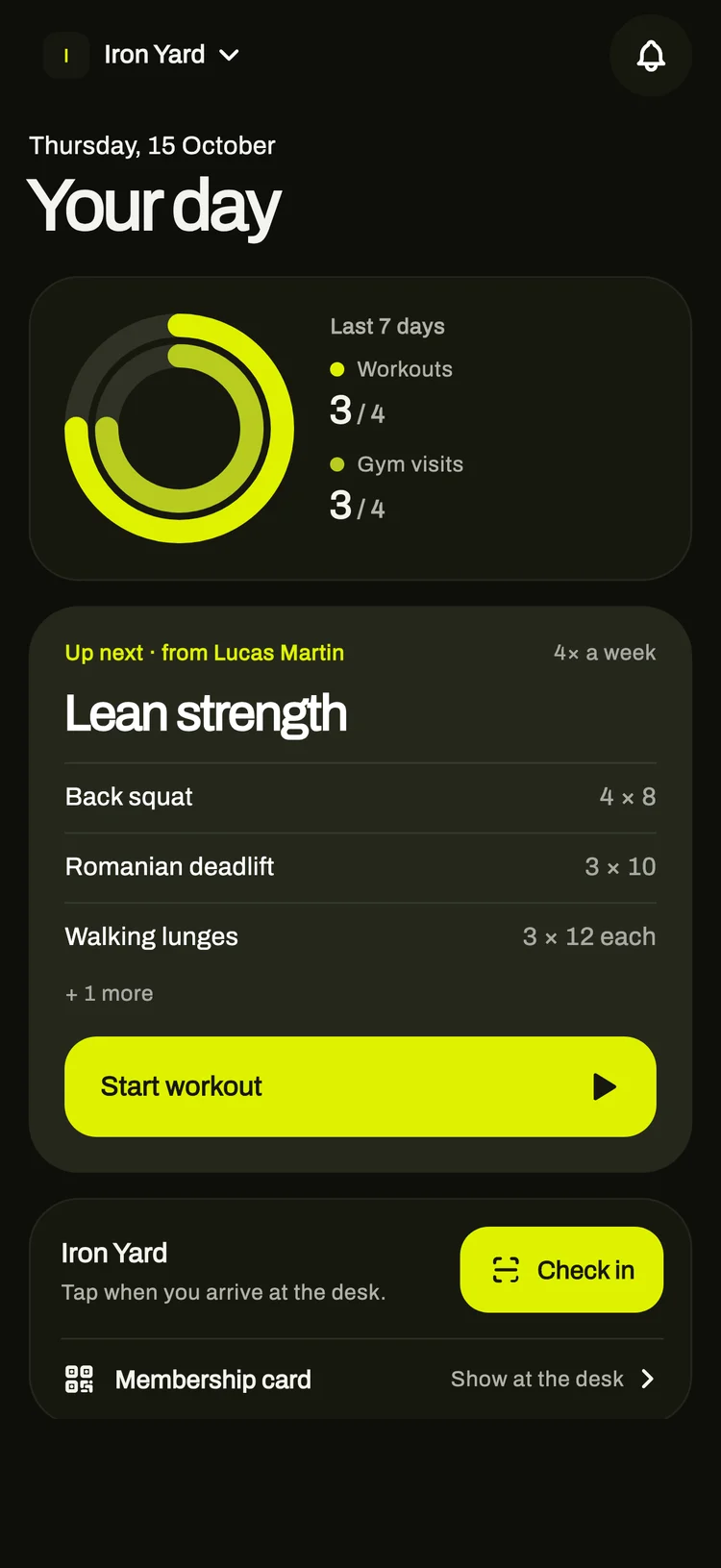
Owners and managers work in the web console. Coaches and members use the app on their phones. Everyone works from the same records.
Owners run the gym from the web console
- Who has paid, who is due, who is late
- Today’s check-ins and the busiest hours
- Members, coaches, classes and calendars
- Equipment, repairs, shop stock and issues
A normal day with M4GYM
The times below are when M4GYM sends each reminder, in your gym’s time zone. Members and coaches can turn each kind off in the app’s settings.
Local time at the gym
06:00
01 / 07 · Members
- 06:00Members
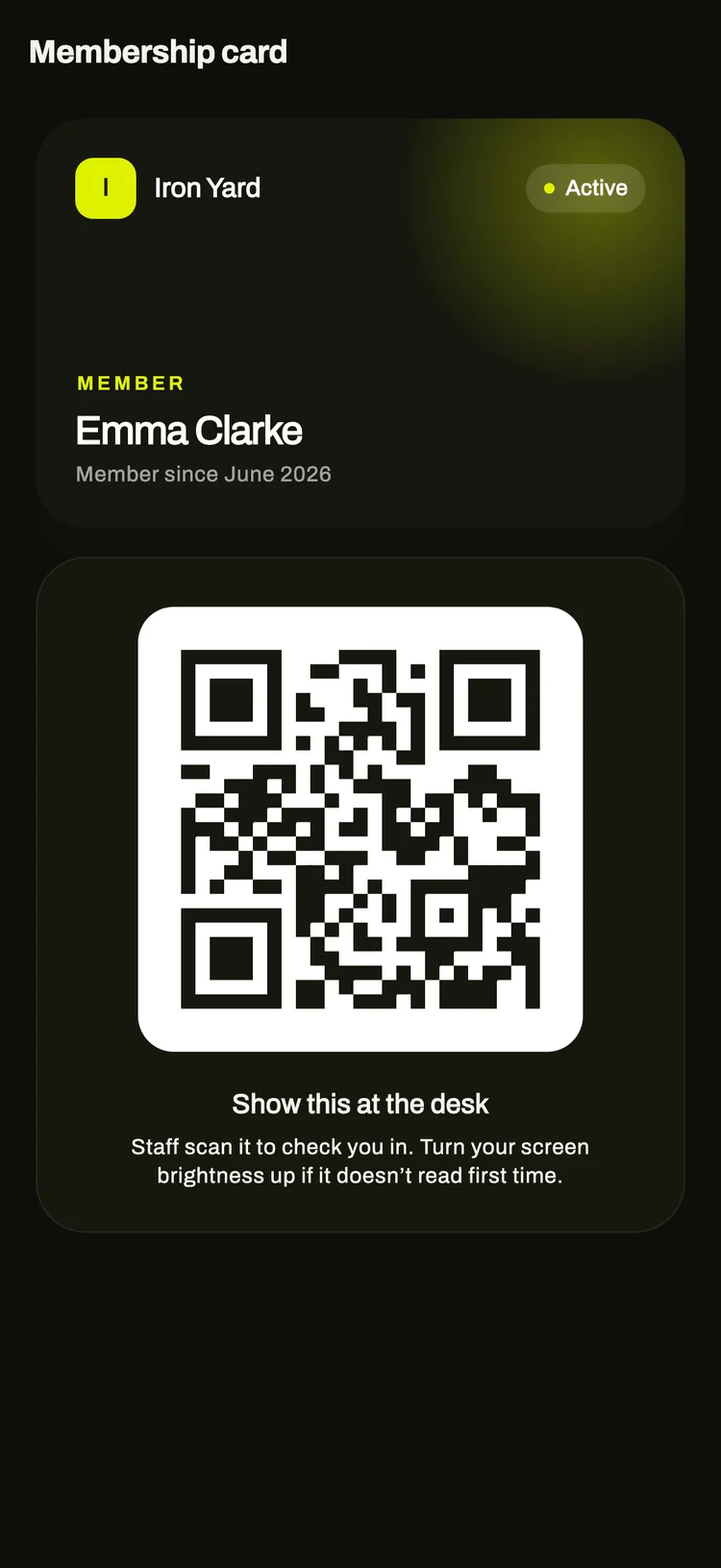
Members check in
A tap on Check in, or the QR code on their membership card scanned at the desk. You can require members to be at the gym. With no signal, the check-in is stored on the phone and sent with its original time later.
- 08:00Members
Workout reminder
Sent at 8:00 on days the member has a workout planned.
M4GYM
now
Today’s workout is ready
Open the app when you’re at the gym and start it.
- 09:00Owners, on Mondays
Weekly fee summary
Fees that are overdue and fees due in the next seven days. Members get their own reminder three days before their membership ends, and again the day after.
M4GYM
now
Iron Yard: fees this week
3 overdue, 5 due in the next 7 days.
- 12:30Coaches
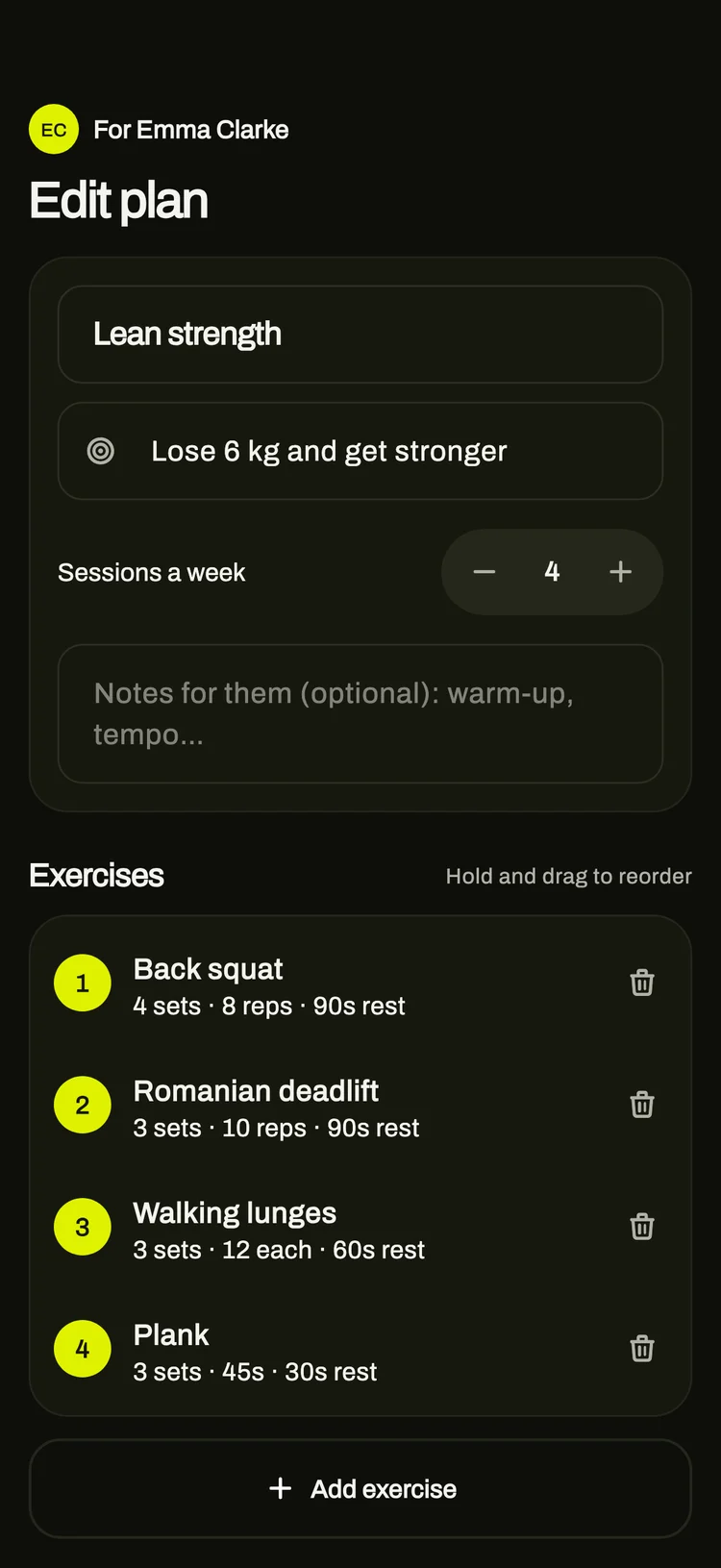
Coaches plan next week
Ask M4 drafts a week from the member’s goal, available days and recent workouts. The coach edits it and saves it to the member’s app.
- 17:00Members
A message after a quiet week
If a member hasn’t trained for seven days, the app sends one message. They don’t get another for the same gap.
M4GYM
now
It’s been a week
One short session gets you going again. Your plan is waiting in the app.
- 18:00Members and coaches
Class reminder
Everyone booked into a class, and the coaches running it, hear about it an hour before it starts.
M4GYM
now
HIIT at 7:00 PM
Starts in about an hour.
- 21:30Owners
The dashboard at the end of the day
Check-ins, money collected this month, people waiting to join, overdue fees and open issues.
Personal coaching for people without a gym
The same app works for people who train alone. They answer a few questions about their goal, body, equipment and the days they can train, and get a weekly plan that adjusts as they log workouts. Ask M4 answers questions about the plan.
Free for the first week. Cancel at any time.
Pricing
One subscription per gym, billed monthly. Coaches and members don’t pay for the app.
Recently shipped
Changelog14 October 2026
Reminders for workouts, classes, appointments and fees
14 October 2026
Check-ins and workouts survive a bad signal
14 October 2026
Delete your account, close a gym, or hand it over
13 October 2026
Coaches can save edits to a member’s plan from the app
13 October 2026
The setup checklist ticks itself off from your real coaches, classes and equipment
13 October 2026
Public coach pages hide empty fields and show specialties
From the blog
All postsTraining · 15 October 2026
A four-week plan for starting strength training on your own
Coaching · 15 October 2026
Writing weekly training plans that members finish
Running a gym · 15 October 2026
Keeping new members past their first month
Running a gym · 15 October 2026
Moving from a paper sign-in book to QR check-in
Try M4GYM with your own gym
The free plan needs no card. Add your gym, your first members and a coach, and send them the app.