
Features
Membership fees
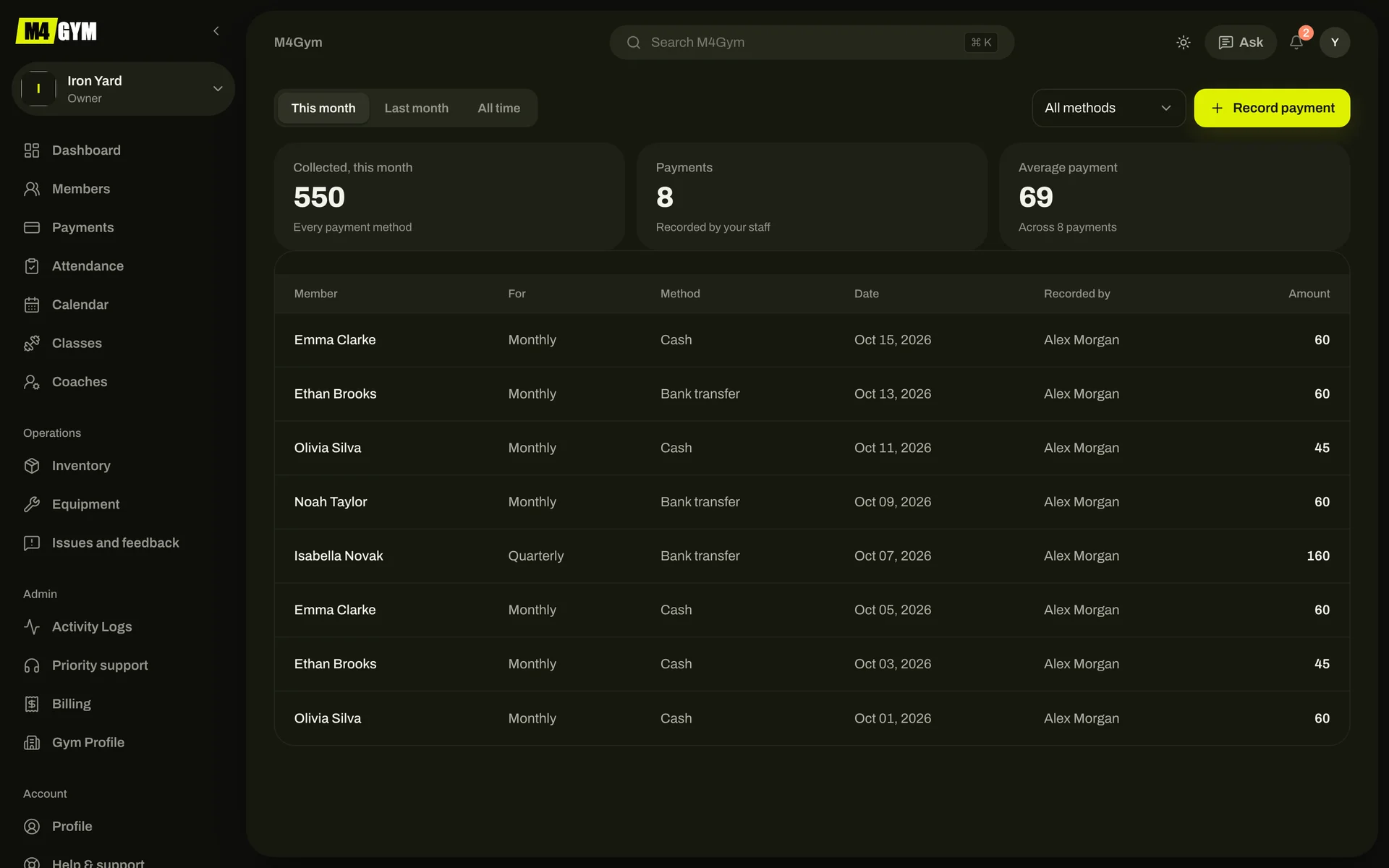
Record a payment with the member, amount, method and plan. M4GYM works out when the membership runs out and lists who is due this week and who is overdue.
- Cash, bank transfer or another method; M4GYM records payments, it doesn’t take them
- Members are reminded three days before their membership ends
- Owners get a summary of overdue and upcoming fees every Monday
Check-in
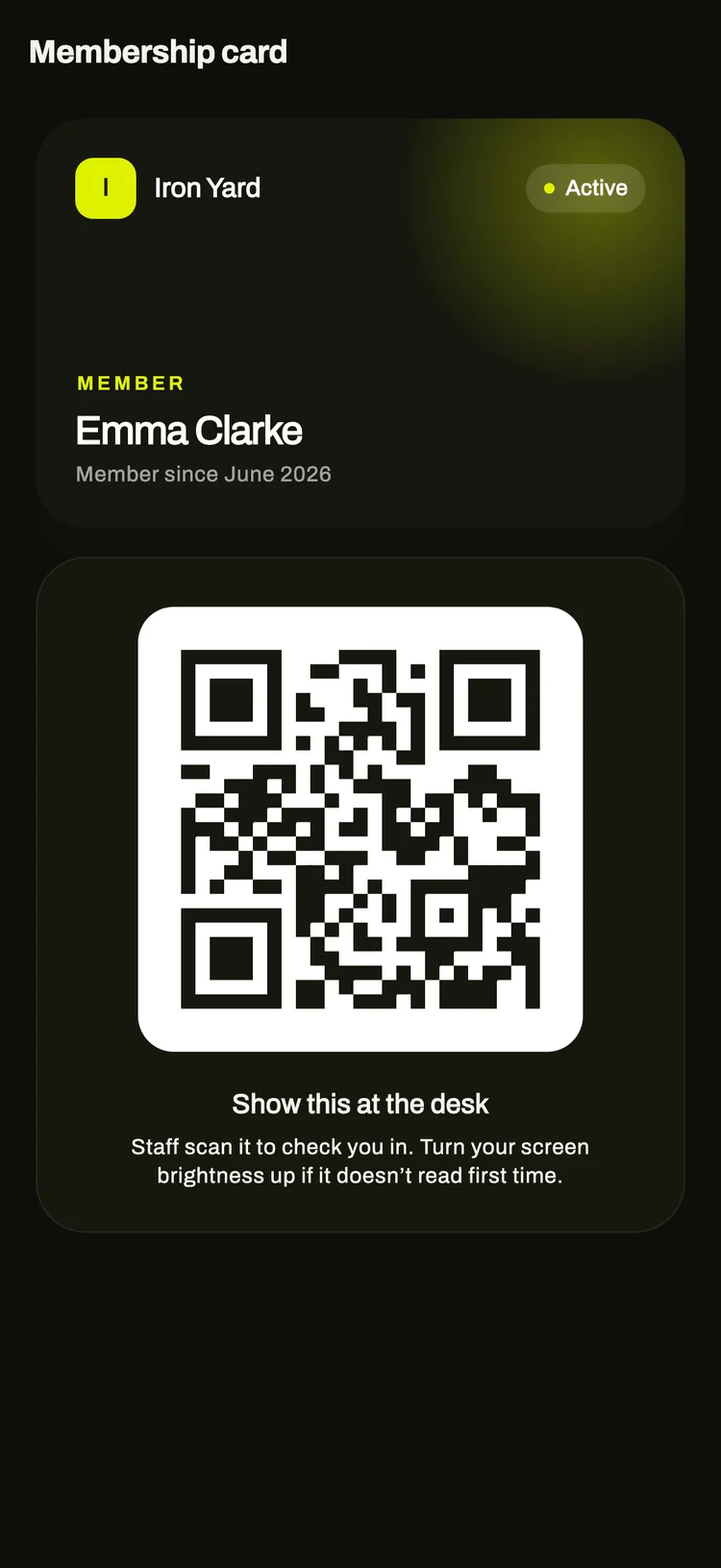
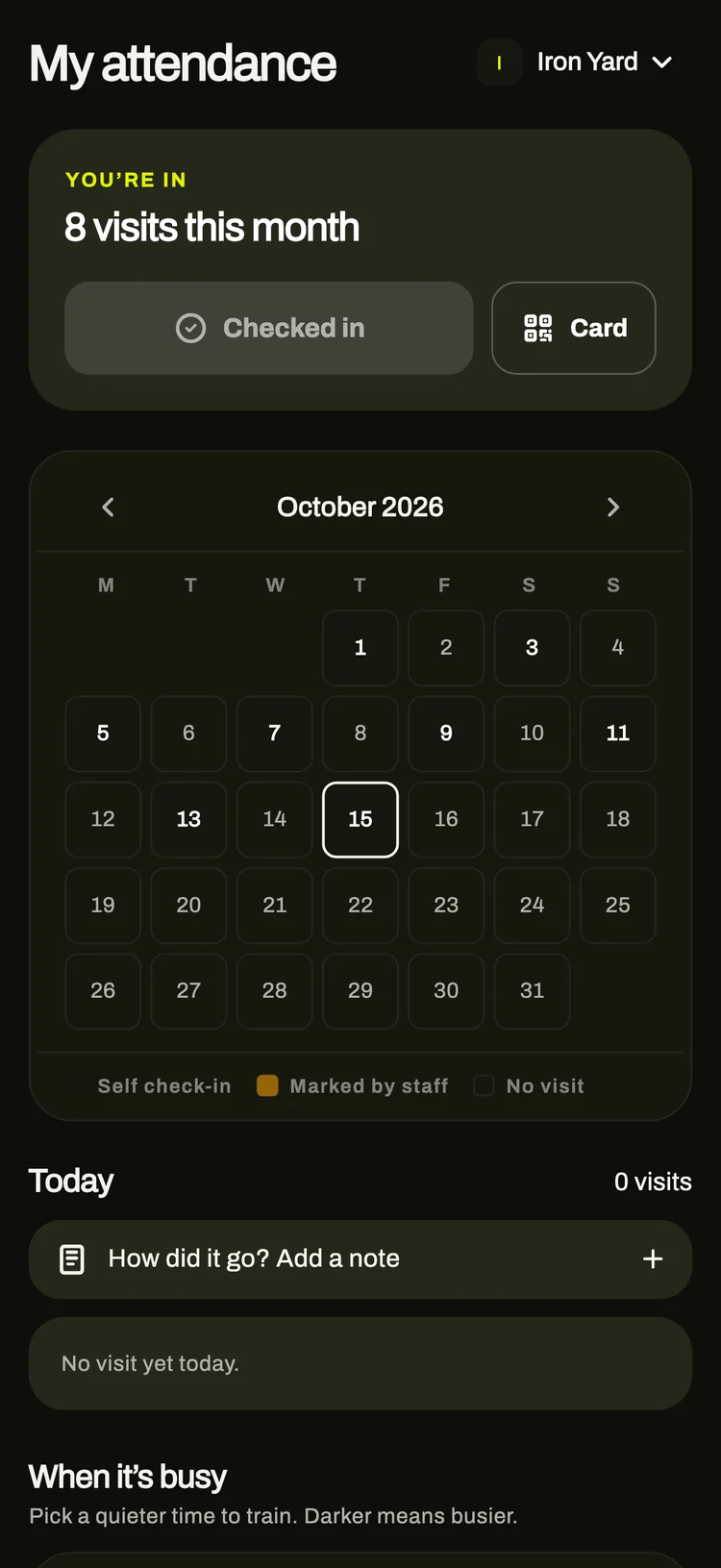
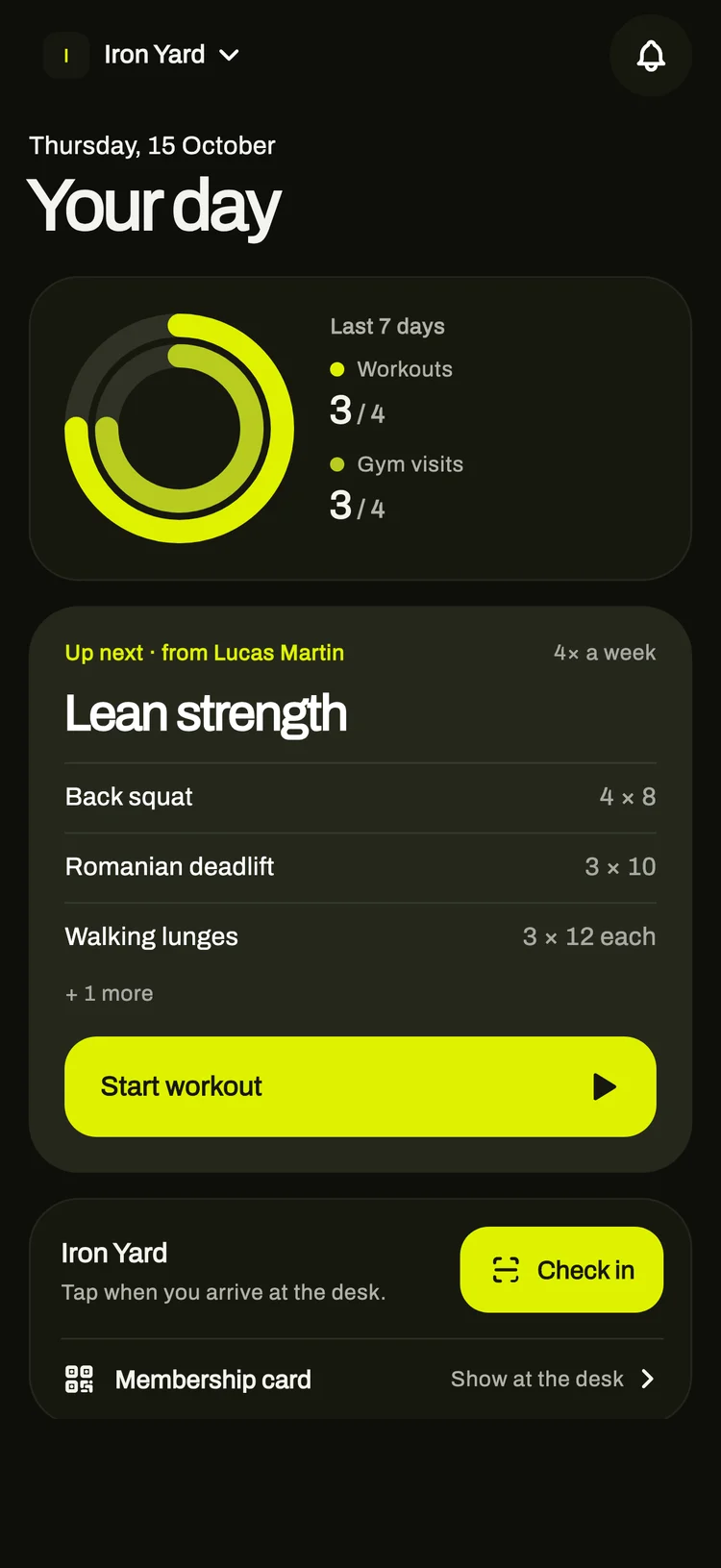
Members tap Check in when they arrive, or show the QR code on the membership card in their app and the desk scans it. Each visit is recorded with the time and how they checked in.
- You can require members to be at the gym to check in from their phone
- With no signal, the check-in is stored and sent with its original time later
- Printable cards for members who don’t use the app
Training plans
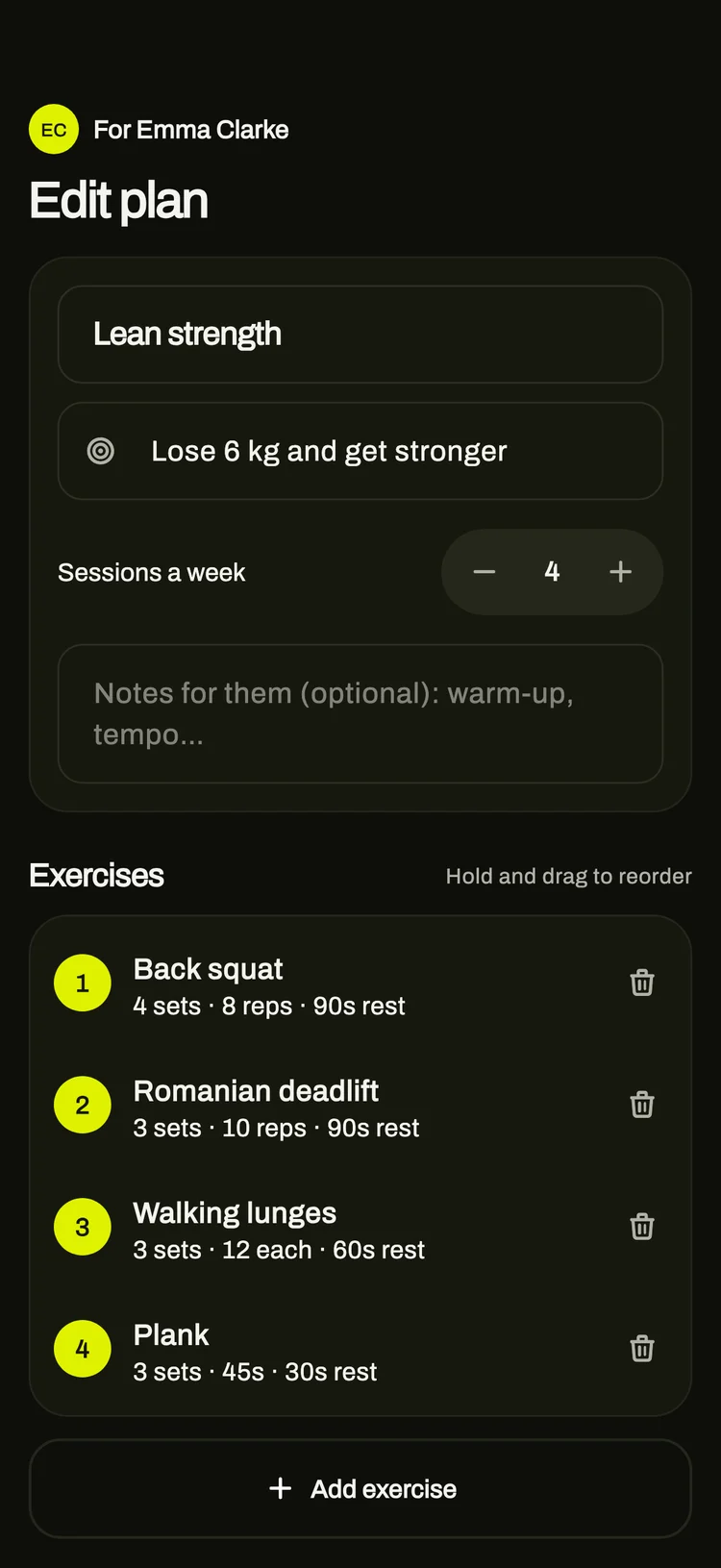
Each member is matched to a coach and gets a starter plan. Coaches write weekly plans in the app, or ask Ask M4 to draft one from the member’s goal, available days and recent workouts, then edit it.
- Sets, reps, weight, rest and timed exercises
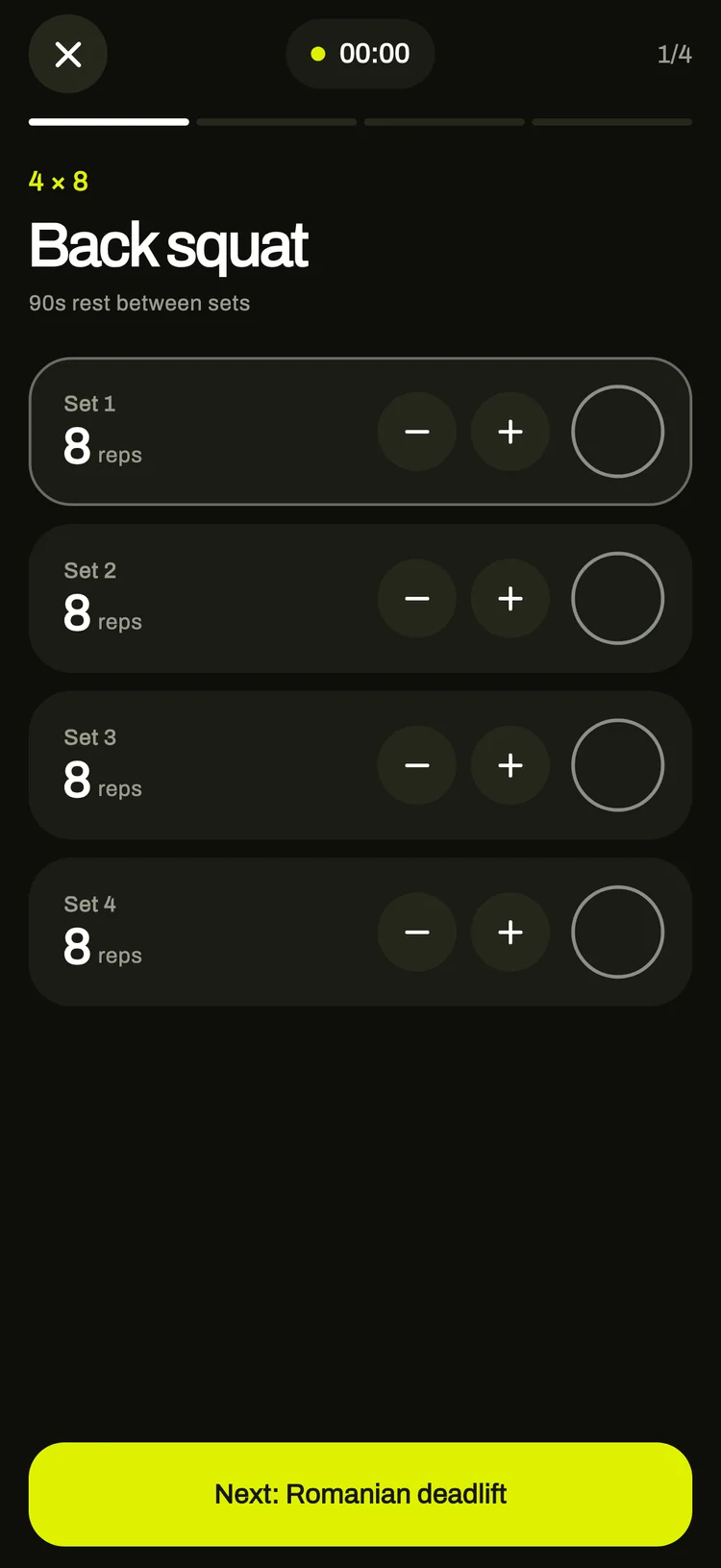
- Members follow the workout set by set and mark each set done
- Coaches see which workouts were finished, skipped or left half-done
Progress
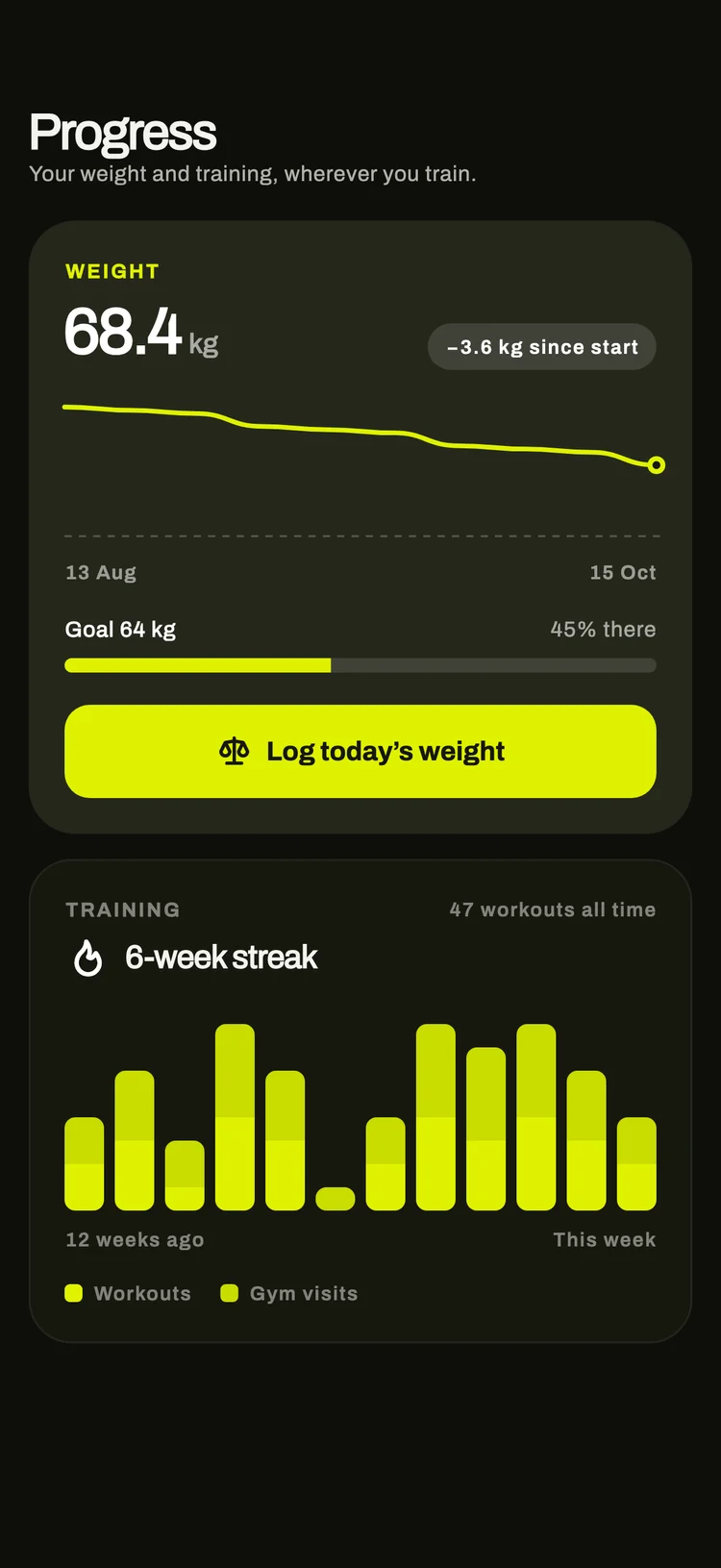
Members log their weight and see it against their goal, with twelve weeks of workouts and gym visits. Achievements unlock with check-ins, classes and workouts.
- Progress belongs to the member and follows them if they change gym
- Coaches see the same progress for each of their clients
Members
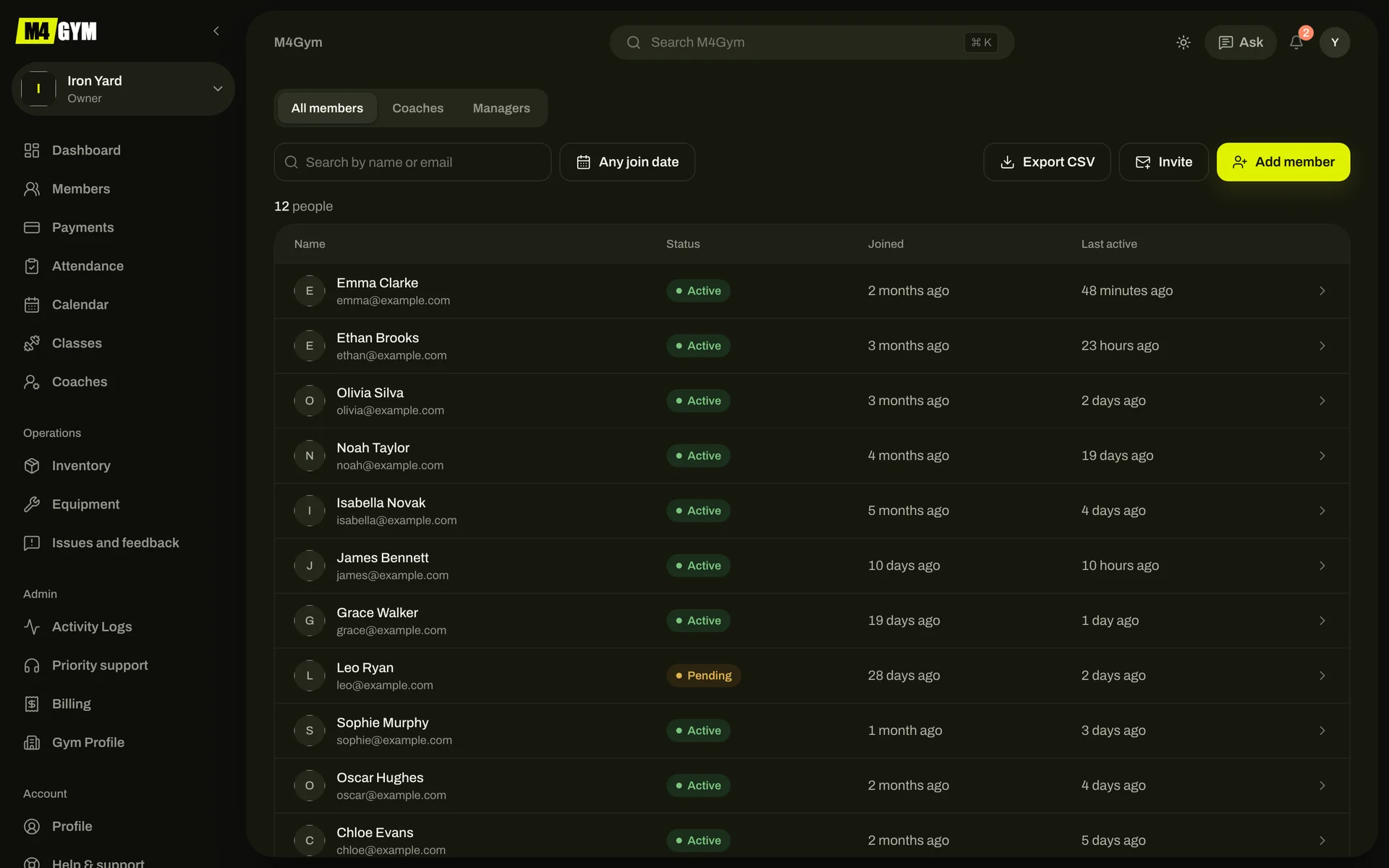
Add members at the desk with their first fee, invite them by email, or approve people who ask to join from your gym’s public page. The list shows each member’s status, coach and last visit.
- Invitation links open straight in the app
- Members who haven’t trained for a week get one reminder
- Export members to CSV on paid plans
Also included
- Classes and calendar
- Weekly classes with a capacity. Members book in the app; coaches mark who came. The calendar shows every coach’s week.
- One-to-one sessions
- Coaches book sessions with a client. Members can ask to move one, and the coach accepts or declines.
- Equipment
- A list of every machine with its condition and next service date. Machines that are out of order are flagged on the dashboard.
- Issues
- Members report a broken machine or a complaint from the app. Staff reply in a thread and close it when it’s fixed.
- Shop stock
- Sell supplements and merchandise at the desk. Stock goes down with each sale and you’re warned when it’s low.
- Announcements
- Send a message to every member, or only to your coaches.
- Ask M4
- Ask questions about your gym in plain words, such as who hasn’t visited in two weeks or whose fee is overdue.
- Activity log
- Every change, who made it and when. Included on paid plans.
Try M4GYM with your own gym
The free plan needs no card. Add your gym, your first members and a coach, and send them the app.