
Anish Dhar
June 16, 2026
Running one gym is hard enough. Running three, five, or ten locations with separate logins, separate spreadsheets, and separate reports multiplies every problem you already have.
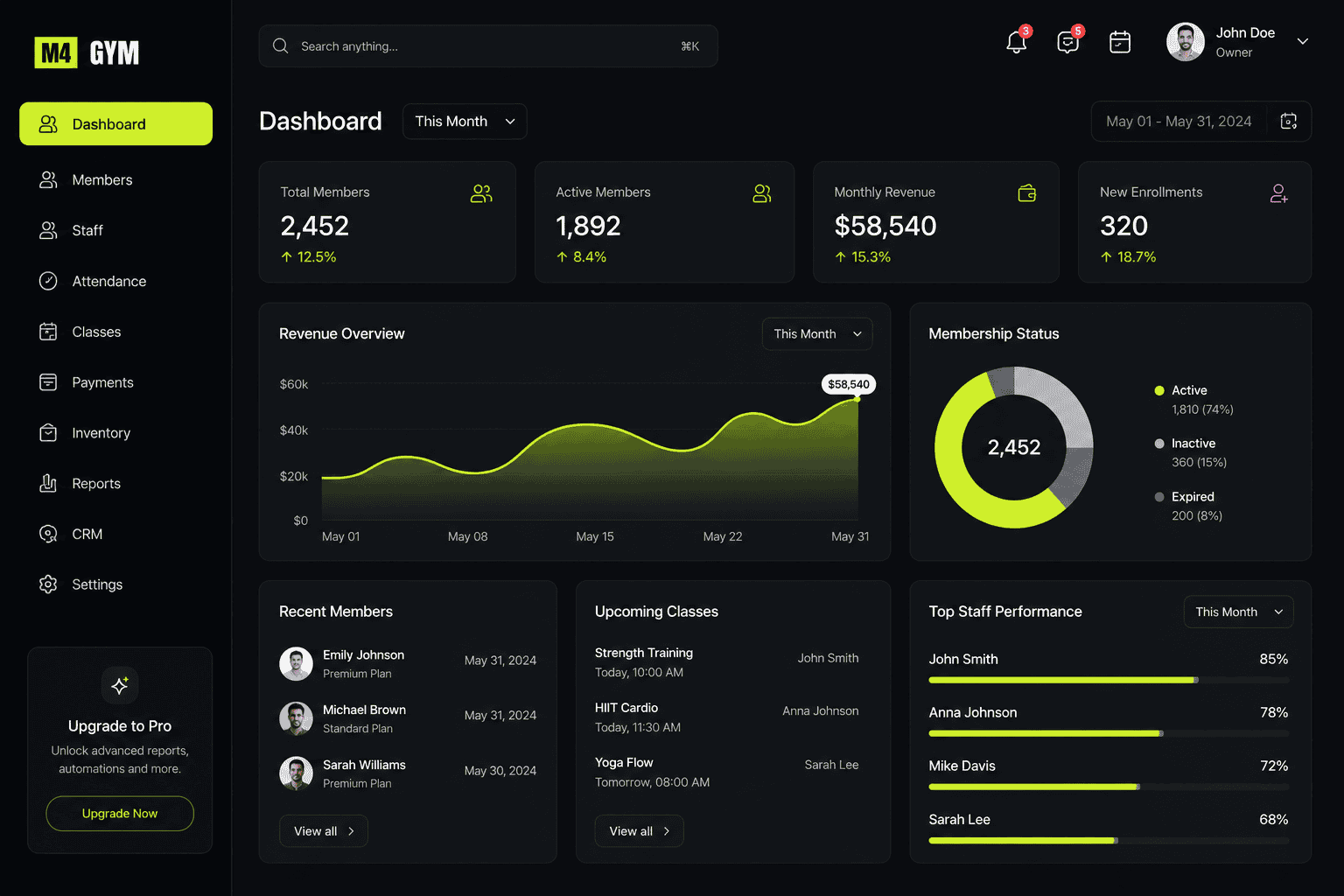
Here's how gym owners running multiple branches use a single dashboard to stay on top of members, revenue, and staff without switching between a dozen tools.
1. One Login, Every Branch
Instead of logging into separate systems for each location, owners see every branch's members, staff, and revenue from a single account.
With M4GYM: switch between branches in one click, without losing context.
2. Revenue Compared Side by Side
Knowing which location is performing well, and which isn't, is hard when each branch tracks revenue differently.
With M4GYM: a single revenue overview compares every branch on the same chart, in the same currency, updated in real time.
3. Staff Performance Without the Guesswork
Top-performing trainers at one branch often go unnoticed if performance isn't tracked centrally.
With M4GYM: staff performance is ranked automatically across all locations, so recognition and coaching decisions are based on real numbers.
4. Consistent Member Experience Everywhere
Members who visit multiple branches expect the same check-in process, the same class booking flow, and the same support quality.
With M4GYM: member profiles, class schedules, and check-in are unified, so the experience feels identical no matter which branch someone walks into.
5. Faster Decisions With Centralized Reporting
Owners who need to combine five spreadsheets before a board meeting lose hours every month.
With M4GYM: one dashboard generates combined or branch-level reports instantly, cutting reporting time from days to minutes.